The Office Lost Power and the Business Phone Kept Ringing
At one of the businesses we manage, the power failed. The computers shut down, the phones on the desks disconnected, and inside the office nobody could pick up a call.
4 min read
But the clients who called had no idea anything had happened.
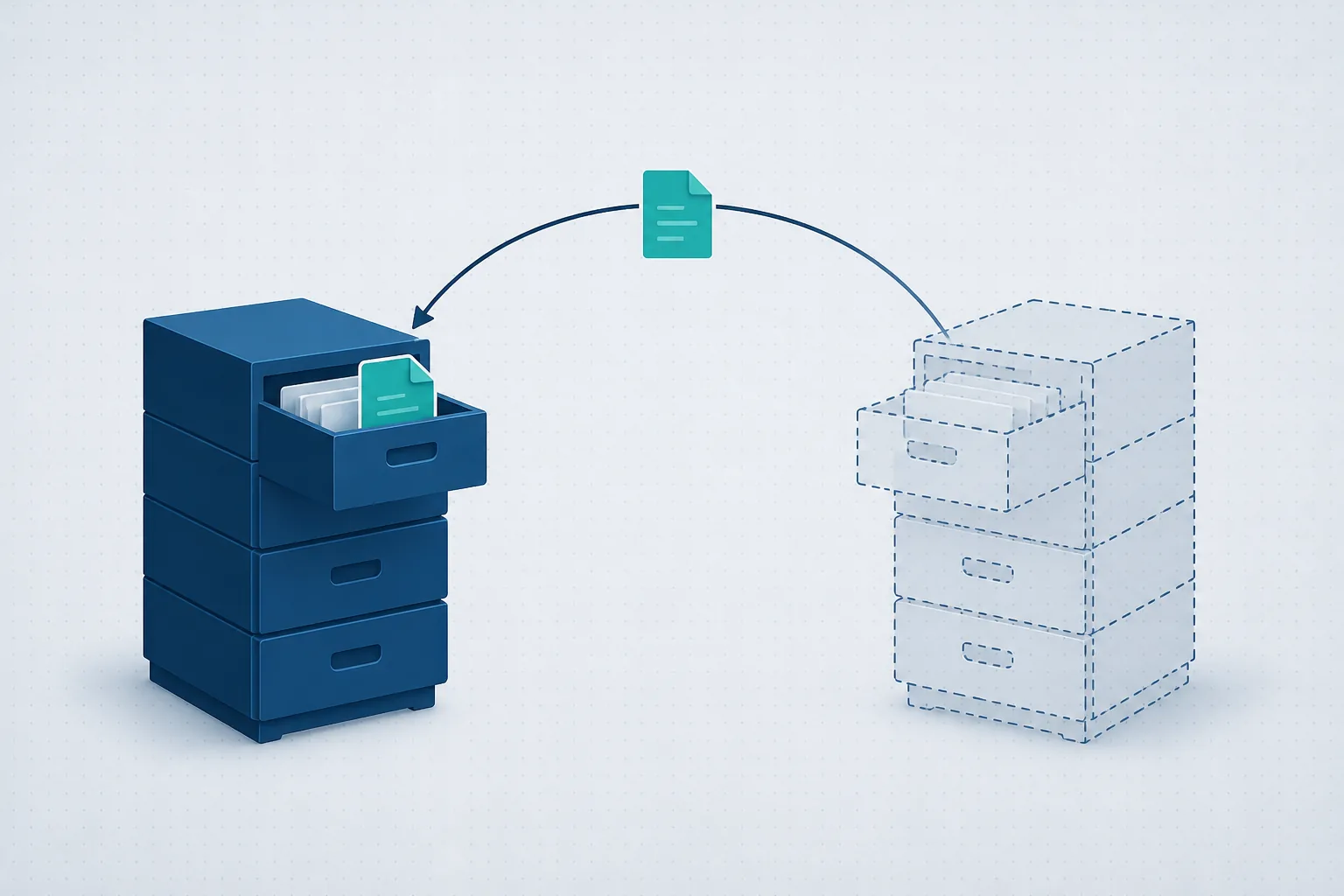
The business's phone system sits in the cloud, outside the office. The moment the desk extensions stopped being reachable, incoming calls were passed to the office manager's mobile. When the power came back and the desk phones reconnected, the calls returned to them on their own.
Nobody had to log into a system, change a setting, or remember to switch the forwarding off. That is simply how the telephony had been set up in advance.
What is the difference between a PBX in the office and one in the cloud?
A phone system decides how calls behave: which number rings, how long it rings, where the call goes when nobody answers, and what happens outside working hours.
With an on-premise PBX, the system itself sits physically in the office, usually in the comms cabinet. It depends on the building's power, on the local equipment, and often on the office internet connection. If any of those is unavailable, the PBX can stop working, unless backup arrangements were built for it.
A cloud PBX runs outside the office. The phones on the desks are extensions that register to it over the network. A softphone on a computer or a mobile can also serve as an extension, if it was set up that way.
When the power fails, the desk phones go dark. When the internet line fails, they stay lit but cannot reach the system. In both cases the office extensions are unreachable, while the system in the cloud can carry on taking calls and sending them somewhere else.
That somewhere else might be an external mobile number, a team in another location, voicemail, or a different answering group. One distinction is worth getting right: an external mobile number that calls are forwarded to is not an extension. It is simply a phone number the system dials, according to a rule somebody defined.
Automatic routing does not happen by itself
A cloud PBX makes it possible for the business to keep taking calls while the office is cut off. The technical capability on its own is not enough.
Someone has to decide in advance what counts as unreachable, how long to wait before moving the call on, and where to send it. You also need the person receiving those calls to know that this is their role, and to be able to answer in a way that suits the business.
Sending every call to one person may suit a small office. In a busy clinic it may be better to spread them across several staff in a defined order. In a business that takes orders by phone, you might decide that if the first number does not answer, the call moves to a second person and then to voicemail.
It is worth thinking about the case where the person who should answer is unavailable too. Otherwise the call did leave the dark office, only to stop at someone who cannot take it.
What to decide in advance
A handful of simple decisions make the difference between an orderly handover and a scramble:
Where calls go: an external mobile, several numbers, another team, or voicemail.
In what order staff are tried: who is called first, and what happens when there is no answer.
How long before the call moves on: immediately on detecting the disconnection, or after a set number of seconds.
What happens outside working hours: an announcement, a handover to whoever is on call, or the option to leave a message.
Who gets alerted: who needs to know the office extensions dropped, and who checks why.
What happens if the fallback is unavailable too: define a further destination or voicemail, rather than leaving the call with nowhere to go.
None of this guarantees that every call will be answered in every situation. What it does prevent is the situation where, precisely while the office is cut off, nobody knows where the calls are going or what to do about it.
A cloud PBX is not a substitute for planning
It is easy to say the phone system is in the cloud and assume everything is therefore handled. In practice, two businesses on the same system can behave completely differently during an outage.
In one, calls move straight to people who know how to answer them. In the other, they keep ringing extensions that are not connected, get forwarded to a number that is no longer in use, or land in a voicemail box nobody checks.
The difference is not the system. It is the planning, the configuration, and the checking that it actually works.
You can test this today. Ask whoever manages your telephony what happens to calls if the office loses power right now: where they go, who answers, and who gets alerted.
And do not settle for a theoretical answer. Ask to see it. Disconnect an extension in a controlled way, call the business number, and find out what really happens.
Want to know what happens to your calls if the office goes dark?
We will go through the routing with you and show you what actually happens, not what should happen. Twenty minutes, no strings attached. You can also read about our cloud phone systems.