You Have a Backup. But Can You Actually Restore From It?
On a Sunday morning it turns out an important folder has been deleted. Not one file, but a whole folder of quotes, contracts and the material the team needs to work.
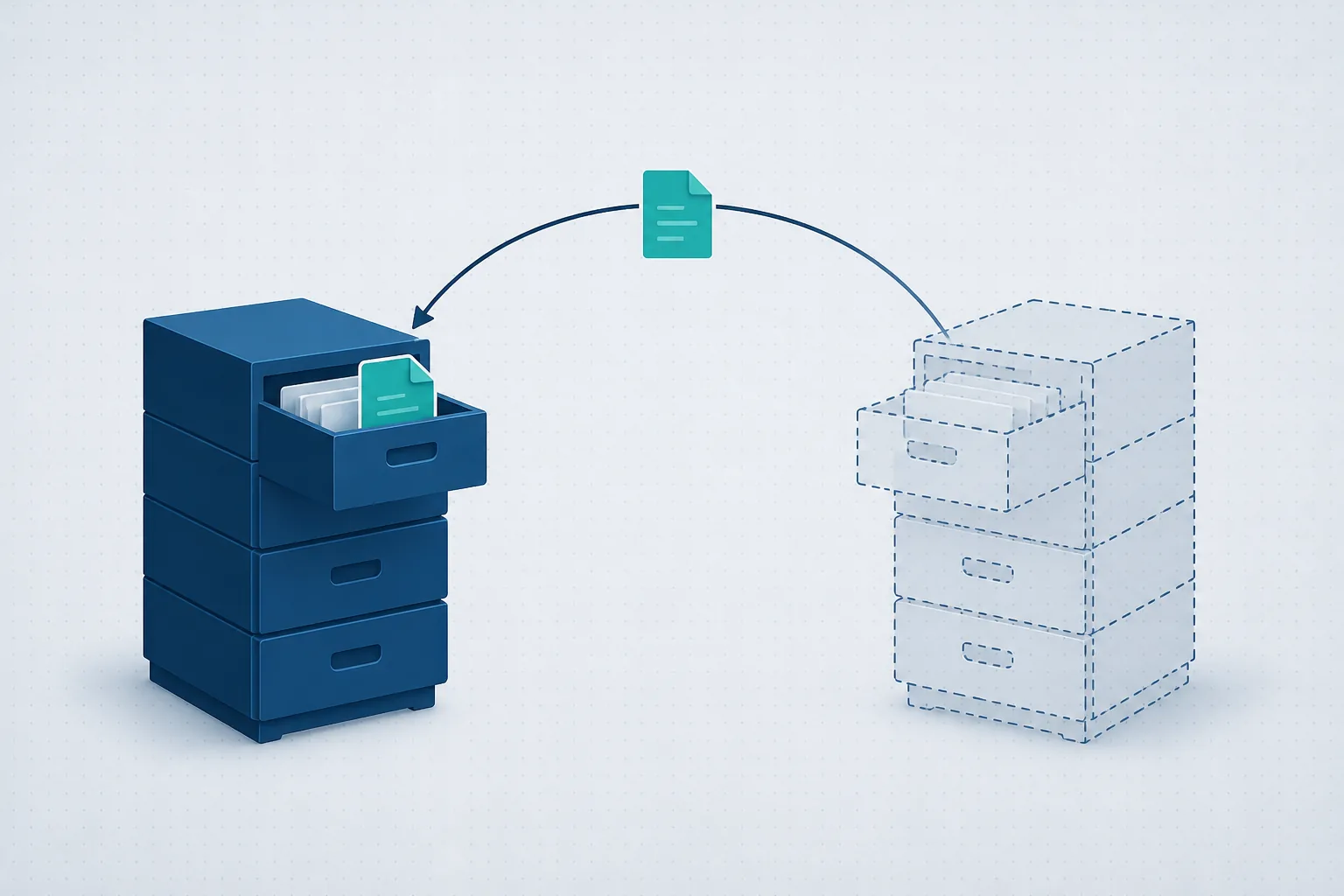
Someone says: "No problem, we have a backup."
That is a good start. But it is not the question that matters. The questions that matter are whether the data can actually be restored, how long that will take, and which point in time you can get back to.
A backup that has never been tested can look healthy for months. Only at the moment you need it does it turn out that folders are missing, that the encryption password is not available, or that the restore runs far too slowly to be useful. So a business should not settle for knowing that a backup exists. It needs to know it has a restore process that works.
A backup and a restore are not the same thing
A backup is a copy of your data. A restore is getting that data back to a place where people can use it.
The gap sounds small. In practice it is not. A system can report every night that the backup finished successfully and still fail to deliver what the business expects.
For example:
- The backup covered the server, but not a folder saved somewhere else.
- The files were copied, but the database behind a critical system was not captured in a way that lets it start again.
- A single file can be restored, but not a whole system.
- The backup is valid, but the restore is expected to take two days.
- Only the last few days of versions were kept, so a deletion discovered late already exists in the backups too.
- The data is backed up, but it is unclear who is allowed to restore it and who holds the access details.
A green "Backup completed" message is not enough on its own. It tells you a process finished. It does not tell you the business can get back to work in a reasonable time.
What does the business actually need to be able to restore?
Before you examine the backup system, you need to know what matters to the business. Not all data sits in the same place, and not every system carries the same weight.
In a typical business, it is worth checking at least the following:
- Shared documents and folders
- Accounting and payroll systems
- CRM or business management software
- Databases
- Mailboxes, calendars and contacts
- Files in Microsoft 365, SharePoint and OneDrive
- Physical and virtual servers
- Cloud services and business applications
- Configuration of network and security systems
- Computers holding data that lives nowhere central
The list changes from one business to the next. In a clinic, the scheduling system and the medical records may be the critical part. In a design office, the large working files are the heart of the operation. In a nonprofit, the important data may be spread across the donations system, the accounting software and the mailboxes.
The goal is not to back everything up the same way. It is to know what lives where, and what it would take to get the business running again.
Two questions managers should ask
IT people sometimes use the terms RPO and RTO. A business owner does not need to remember the acronyms, but the two questions behind them are worth knowing.
How much data can the business afford to lose?
If the backup runs once a day, a failure could cost a day of work. For some systems that is reasonable. For others, even an hour can create a great deal of manual work.
This question sets how often each system needs to be backed up. The answer does not have to be the same for all of them.
How long can the business work without the system?
Restoring one file can take minutes. Restoring a whole server can take considerably longer, depending on the volume of data, the infrastructure and the backup method.
Decide in advance what has to come back first. You do not always need a full restore before people can start working. A central system, or the most recent data, can come back first and the rest can follow.
Further readingAssisted-Living Network: Readiness, Security Cameras and Access ControlOne switch was reset and the guard station phone, about 12 cameras, the door controllers and both wireless networks went with it. How the network was rebuilt, and what to have in place first.→How do you check that a backup can really be restored?
The most reliable way is to run a test restore. Not just a report, and not just confirming the files appear in the backup console, but actually bringing data back and verifying it opens and works.
The test can run at several levels.
Files and folders
Pick files of different types and from different periods, restore them to a separate location, and check they open. Include a whole folder, the permissions on it, and a relatively old backup.
A mailbox or data from Microsoft 365
Check that a message, a folder, a OneDrive file or SharePoint content can be brought back, according to what the backup covers.
Microsoft 365 includes built-in retention and recovery features. They are useful, but they are not always a substitute for an independent backup. Look at the retention policy, how long data stays available, and which kinds of incident you can actually recover from.
A business system
Seeing that the system's files were saved is not enough. Verify that the software starts, that the database opens, and that the data is accessible and intact.
A full server or environment
This is a broader test that simulates losing a server or a working environment. It shows how long recovery takes, which dependencies exist, and what is missing from the documentation.
Not every business needs a full restore test every month. But the more a system matters to daily operations, the more it justifies a structured and frequent check.
What to ask whoever manages your backups
A manager who is not an IT person can still ask for clear answers. If the explanation rests only on product names and technical terms, the important part is still missing.
1. What exactly is backed up?
Ask for a list of the servers, systems, folders, mailboxes and cloud services included in the backup.
2. What is not backed up?
This is often the question that exposes the gaps. Personal computers, legacy software or a particular cloud service can quietly sit outside the process.
3. How often does the backup run?
You need to understand how many hours or working days could be lost.
4. How long are previous versions kept?
If a deletion or corruption only comes to light a month later, a backup kept for a week will not help.
5. Where is the backup copy stored?
The backup should not depend solely on the same infrastructure that holds the original data. One failure should not be able to take out both copies.
6. Is the backup separated from the working environment?
Separating permissions and accounts reduces the chance that a mistake or a compromise in the main environment reaches the backups as well.
7. Are the backups monitored?
An automated report is not enough. Someone has to see a failure, deal with it, and confirm the next run succeeded.
8. When was the last test restore?
Ask what was restored, whether the test passed, and how long it took.
9. Who is responsible for running a restore?
Responsibility should be clear in advance, including access details, contacts and the order of operations.
10. How long is a restore expected to take?
There is no single answer. Ask for a separate estimate for a file, a central system and a full server.
A local backup on its own is not enough
A backup copy kept in the office can make a restore fast, but it is exposed to the same events that affect the main environment: an equipment failure, physical damage, human error or a power problem.
Keeping every backup with a single provider, or inside the same system, is not necessarily enough either. Sound planning separates the original data from the backup copies, and sometimes uses more than one type of backup.
There is no one configuration that suits every business. The choice depends on the volume of data, how fast it changes, how critical the systems are, and how quickly the business needs to be running again.
What about data in the cloud?
Data being in the cloud does not automatically mean it has a backup that matches what the business needs.
Cloud services generally offer high availability and some recovery capability. But keeping a service running is a different thing from being able to bring back a deleted file, a mailbox, an older version of a record, or a system that was changed by mistake.
For each service, it is worth checking:
- Which data is retained
- How long previous versions are kept
- Who is allowed to delete data
- Whether a single item can be restored
- Whether a copy exists separately from the main system
- What happens when a user is deleted
- How you export the data if you stop using the service
This matters most when a business uses several cloud services. It becomes easy to assume the responsibility sits with the provider, even though no one has checked what the recovery policy actually covers.
A good restore needs documentation too
The moment a system is down is not the time to start hunting for passwords, licence numbers or installation instructions.
An orderly restore process includes documentation of the systems, the order of priority, the contacts, the access details and the steps involved. That documentation has to be available even when the main system is not running, while still being protected from unauthorised access.
It also has to be kept current. A process written three years ago, before a move to the cloud or a change of core software, may no longer match the environment you have.
Who checks that the backup still works?
A backup system is not something you install and forget. Servers change, employees join and leave, new folders appear and software gets replaced. A backup that suited the business last year does not necessarily cover everything that matters today.
Three things have to be connected:
- Ongoing monitoring of the backup jobs
- Documented handling of every failure
- Periodic restore tests
At SrvIT every piece of work is documented in a ticketing system, and systems are monitored in real time. Managing a backup means checking failures and dealing with them, and also reviewing periodically whether the backup still fits the business and whether a restore would actually work. The aim is not only to see that the nightly job finished, but to know what happens on the day the data is really needed.
A short check you can run today
Ask whoever manages your IT to restore a random file from a month ago, not just one from yesterday. Then ask how long it would take to bring back the single most important system in the business if it stopped working.
If the file comes back and opens, the process is documented, and the answer about the system is clear, you are in a better place than most.
If there is no answer, that is not a reason to panic. It is a reason to look at the backup process now, while it can be done calmly, rather than while the team is waiting on data to get back to work.



Want us to check whether your backup can actually be restored?
If the ten questions above left you without clear answers, it is worth a twenty-minute call. We will go through what is backed up, what is not, how long a restore would take and what is worth changing - no strings attached. You can also read about our backup and disaster recovery service.