What Server Maintenance Really Includes - and the Price of Neglect
For seven years, an accounting firm ran a central server holding the office's files, software and critical data. It had been installed long ago - but over time, no support company or professional remained responsible for its ongoing maintenance.
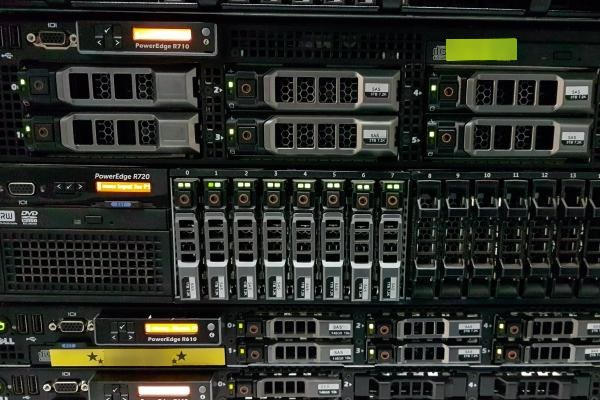
As long as employees could open their folders and work, nobody regularly checked the hardware, the system updates, the alerts or the state of the backups.
For months, the server had been raising alerts about problems in the disk array. The alerts were logged - but there was nobody to receive them, understand what they meant and act in time.
In the middle of the reporting season another disk in the array failed, and the server stopped responding.
Only then did it become clear that the fault had not started that morning. It had been developing for a long time, quietly, with nobody watching.
The restore took three days. Employees could not reach part of the data, work stopped and clients had to wait.
Server maintenance is exactly the difference between a fault that is caught and handled months in advance, and a fault discovered only when the business is already down.
What does ongoing server maintenance include?
Server maintenance is not a one-time action performed when something stops working. It is ongoing work combining monitoring, checks, updates and alert handling, aimed at keeping the system stable, secure and available.
The goal is not to guarantee there will never be a fault. The goal is to catch the early signs, reduce the risk and be ready to act before a technical fault becomes a business shutdown.
System and security updates
Operating systems, software and services on the server receive updates regularly. Some fix bugs; others close security holes that are already known and can be exploited.
That said, updates too need to be applied in a controlled way.
Server updates are performed in a planned window, after testing, with a verified backup in place and a way back to the previous state if an update causes a problem.
A server that has not been updated for a long time may remain exposed to known vulnerabilities, compatibility issues and faults that already have a fix.
Backup verified by restore
It is not enough to see a message saying the backup completed successfully.
You need to check that the data was actually saved, that the files are intact, that the backup covers everything required and that it can be restored within a reasonable time.
A backup system can report for months that everything is fine - and turn out, at the moment of truth, to be incomplete, corrupted or unsuitable for a full restore.
A backup that was never verified by a restore is still a gamble.
Hardware monitoring
Disks, memory, power supplies, fans, storage controllers and temperatures can show warning signs long before a full failure.
A disk, for example, does not always die at once. It often starts reporting errors, degraded performance or bad sectors weeks and even months in advance.
A failing power supply, a dead fan or unusual heat can all appear as an alert before they cause a shutdown.
Most failures announce themselves in advance. Someone just has to be listening.
Capacity and usage tracking
A disk filling up, memory running out or a CPU under constant load are not just technical numbers.
A full disk can stop backups, block file saves, damage databases and bring services down.
A memory shortage causes serious slowdowns, and sustained CPU load can be a sign the server no longer fits the business.
Ongoing tracking lets you spot the trend and plan expansion, cleanup or an upgrade in advance - instead of doing them under pressure after work has already been hit.
Log and alert review
The server continuously records events, errors and access attempts.
The logs can reveal a service that crashes every night, a backup that never finishes, suspicious login attempts, recurring errors or software not behaving as designed.
Each of these messages can look small and unimportant on its own. Over time, it may be the first sign of something bigger.
Having an alerting system is not enough. Someone has to define who receives the alerts, who reviews them and who makes sure the handling was actually completed.
Orderly permissions and a clean system
Over the years a server accumulates users who left, permissions nobody needs, old folders, service accounts and software nobody uses.
An employee who left but whose account is still active is a security risk.
Overly broad permissions can let an employee delete or change data that should not be accessible to them.
Old software that is no longer needed can keep running in the background, consuming resources and carrying vulnerabilities.
Orderly maintenance also includes periodic cleanup - removing unneeded accounts and software, and checking that permissions still match the roles in the organization.
How do you recognize an unmaintained server?
A neglected server does not always stop at once. It can keep running for years while showing small signs that gradually become part of the routine:
- The server needs a reboot every week because “everything gets stuck”.
- Shared folders respond slowly at certain hours.
- Nobody knows when a restore test was last performed.
- The operating system is no longer supported by the vendor.
- The disk is almost full, but files are deleted only when nothing new can be saved.
- There are old users nobody is sure are still needed.
- Error messages appear, but employees have learned to close them and keep working.
None of these is necessarily a fault on its own. Each is an early notice that something behind the scenes needs checking.
What does neglecting a server cost?
The price of a fault is not just the technician who comes to fix it.
Count the lost working hours, employees cut off from files and software, management unable to pull numbers, suppliers waiting and clients getting no answers.
Sometimes there are extra costs too: urgent equipment purchases, after-hours work, complex data recovery and damaged trust of clients and employees.
When ten employees cannot work for a full day, the business does not lose just ten days' pay. It loses time, output, revenue - and sometimes commitments it can no longer meet.
In many cases, the cost of one lost working day is higher than the cost of orderly server maintenance for months.
Server maintenance is not an extra expense on top of the server. It is what lets the server keep serving the business, instead of becoming the single point of failure that stops it.
Further readingAssisted-Living Network: Readiness, Security Cameras and Access ControlOne switch was reset and the guard station phone, about 12 cameras, the door controllers and both wireless networks went with it. How the network was rebuilt, and what to have in place first.→Server maintenance does not begin and end with fixing faults
When maintenance happens only after the server went down, it is not really maintenance - it is repair.
Proper maintenance includes work during the quiet periods too: reading alerts, checking backups, installing updates, watching loads and planning future changes.
It is work you see less of day to day - because when it is done right, employees simply arrive in the morning and can work.
That quiet is exactly the desired result.
Does a virtual or cloud server need maintenance too?
Yes.
Moving to a virtual server or the cloud changes where the infrastructure sits - it does not remove the need to manage it.
The cloud or hosting provider is usually responsible for the power, the connectivity and the hardware underneath. They are not necessarily responsible for your operating system, the software installed on it, the permissions, the backups or the security inside the server.
A cloud server can also stay unpatched, fill up, be exposed to attack or run for months without a working backup.
The advantage of a virtual environment is that expanding resources, backing up and restoring are easier. But those options only help when they were set up in advance and someone manages and checks them.
Who is actually responsible for your server?
The most important question is not who installed the server - it is who is responsible for it today:
- Who receives the alerts?
- Who checks that the backup completed?
- Who verifies it can be restored?
- Who plans the updates?
- Who notices the disk filling up or the hardware starting to fail?
- Who checks the system is still supported and still fits the business?
When there is no clear answer, responsibility usually falls between the chairs. The server keeps working - until one day it stops.
Server maintenance as part of a managed IT service
For us, server maintenance is part of the managed IT service.
The server is monitored around the clock, alerts are received and reviewed, updates are planned, system resources are checked - and backups are not just stored, they are tested with actual restores.
We track hardware health, storage capacity, system performance, failed services, unusual access attempts and changes that could affect the business.
The goal is not just to arrive quickly once the server is down. The goal is to catch the problem before it stops your working day.
Not sure when your server was last updated, whether the backup can really be restored, or who receives its alerts?
Start with an orderly health check. We will map the risk points, explain what needs immediate attention and what can wait, and help you decide how to move forward. A short intro call, no commitment, or by phone: 1-700-722-111.


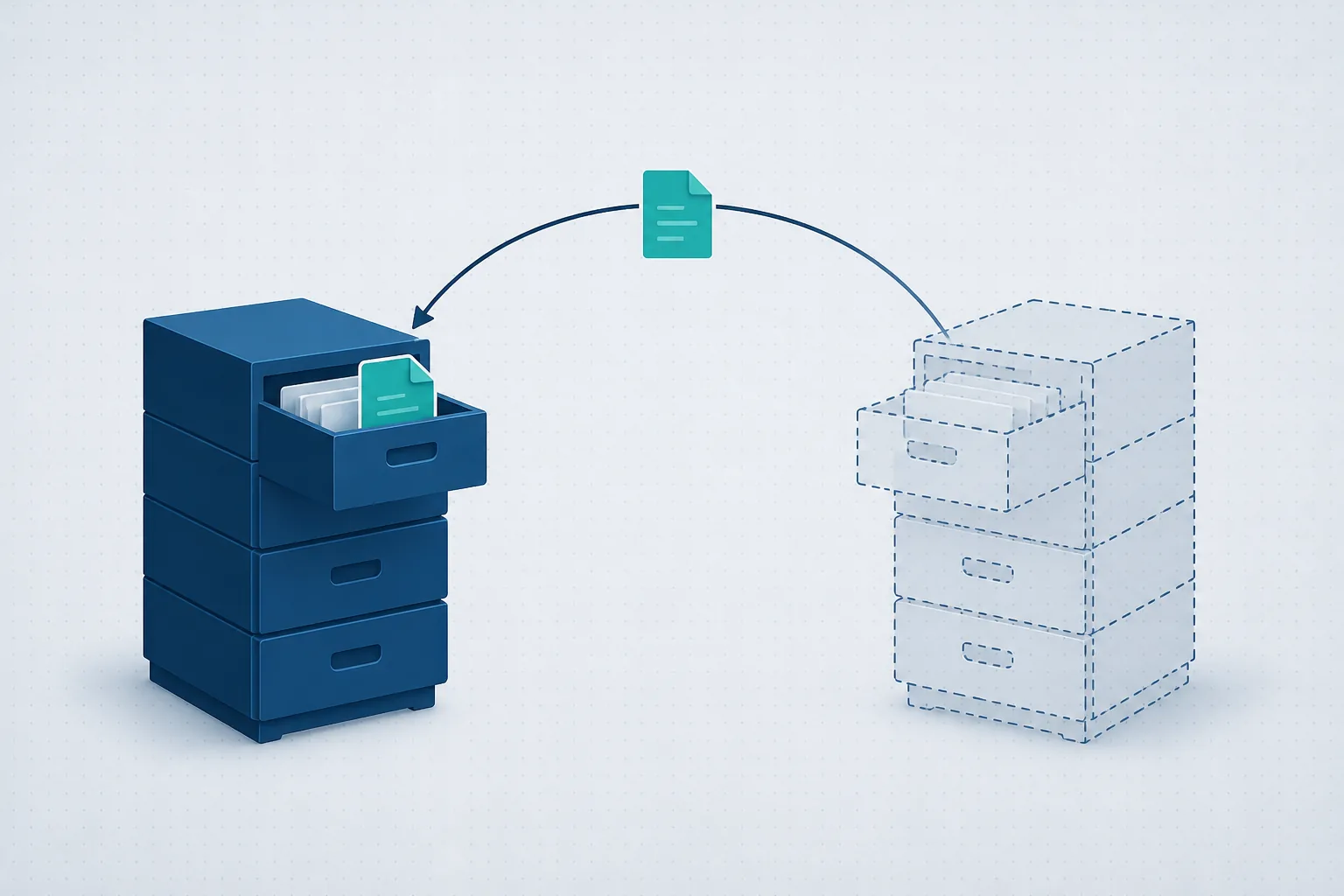
Want support that answers for the whole business?
If any of these three checks left you without a clear answer, it is worth a twenty-minute call. We will check what is installed, what is active, what needs attention and what does not need replacing - no strings attached. You can also read about our managed IT service.