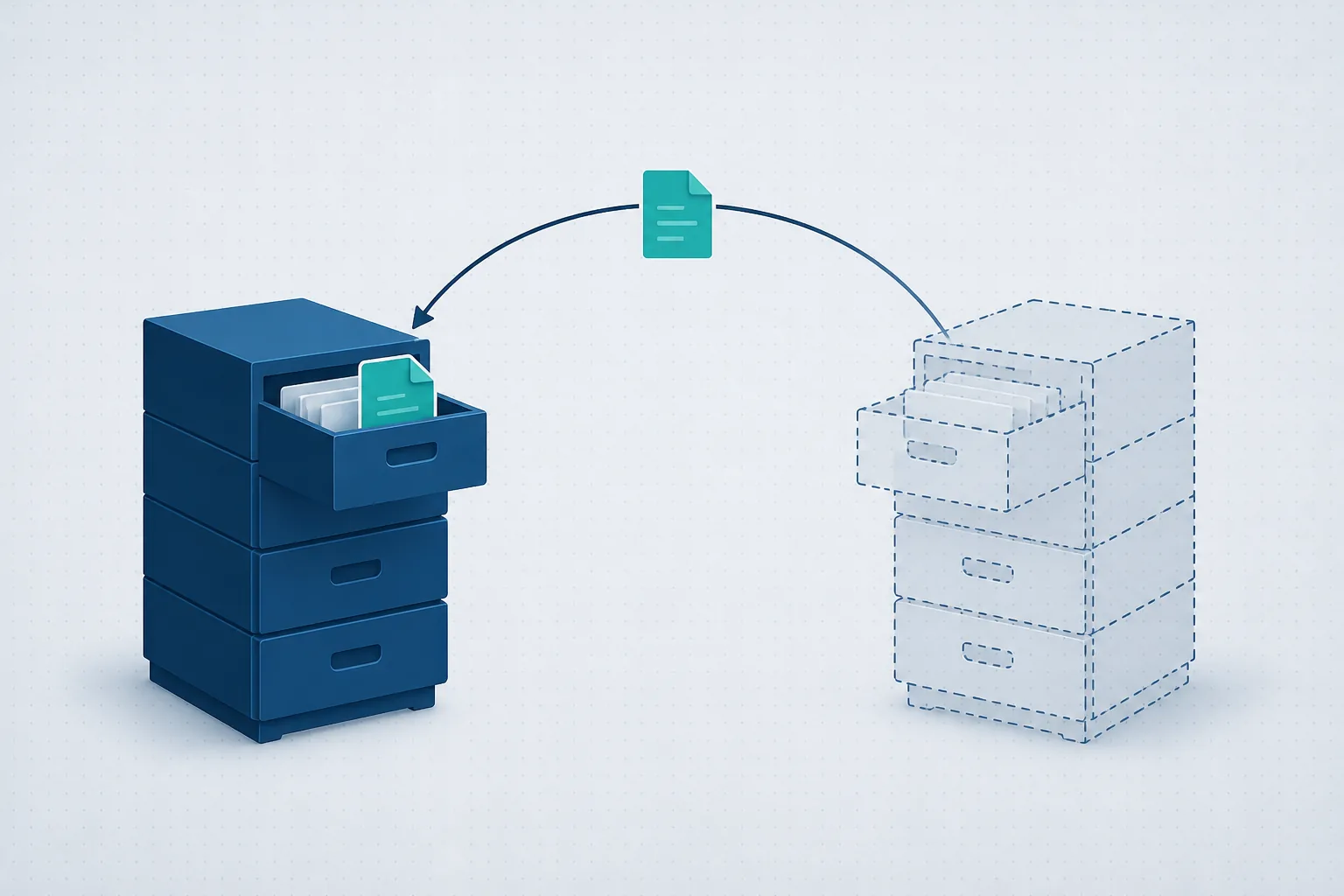
What the carrier covers - and what stays on you
The carrier is responsible for what belongs to it: the line, the router it supplied, and the connection up to it. Everything after that - the computers, the server, the internal network, printers, email, business software, backup and security - is the business's responsibility. Business computer support is exactly that layer: someone accountable for everything past the router.
Three levels of IT support - and who each one fits
A technician per call. You pay when something breaks. Fits a business with two computers and nothing critical. The drawback is built in: the technician arrives after work has already stopped, and knows your systems only from what that visit shows.
A support contract or bank of hours. A fixed arrangement with one provider. Better than ad-hoc calls - there is an address, there is familiarity. But the model still reacts: things get fixed after they break, and nobody's incentive is for the failure not to happen in the first place.
A managed service. One provider owns the whole IT environment for a fixed monthly price: monitoring that catches faults before they stop work, updates and security as routine, backup that gets tested, and contractual response times. This is the model where the provider's interest and the business's are aligned - fewer failures is a win for both sides. We wrote about the full difference on our managed IT services page.
What to check before signing with a support provider
Response times - in writing. "We are always available" is not a commitment. A proper service agreement (SLA) says how fast a work-stopping fault is handled, and how fast a routine request is.
What is included and what is not. Remote support? On-site visits? Servers? Network equipment? Security updates? Setting up a new workstation? Anything not written down will cost money later - better to know how much up front.
The documentation and passwords belong to you. This is the clause most businesses learn the hard way. The network map, the equipment list, the admin passwords - all of it must be documented and accessible to the business owners, not just the provider. A provider who keeps the passwords "for safety" is a provider who is very hard to leave.
What their own security looks like. Whoever holds access to all your systems must be better secured than you are: multi-factor authentication, personal credentials per technician, and a log of who accessed what and when.
Who actually answers. An outsourced desk reading a script, or a team that knows your network? In the intro call, ask what a typical ticket looks like - the answer reveals a lot.
Further readingAssisted-Living Network: Readiness, Security Cameras and Access ControlOne switch was reset and the guard station phone, about 12 cameras, the door controllers and both wireless networks went with it. How the network was rebuilt, and what to have in place first.→
Red flags
A provider who documents nothing. Hourly billing only, with no availability commitment of any kind. A standing "everything is fine" with no report showing what was checked. A backup that "runs" but nobody has ever restored from. And refusing to hand over passwords - the biggest one of all.
The bottom line
Business computer support is not a product you buy once - it is a service you live with. The right choice depends on the size of the business and how critical IT is to the work: if every hour of downtime costs real money, you need someone who prevents failures, not just repairs them.
We provide computer support and IT operations for businesses as a managed monthly service - with monitoring, full documentation that stays in your hands, and response times in writing. Want to see what that looks like for you? A short intro call, no commitment, or by phone: 1-700-722-111.