The Danger Hiding Inside an Image: Phishing in SVG Files
Originally published in Hebrew, 2025.
A file that looks like a perfectly ordinary image can hide code that steals login credentials. How attackers use SVG attachments for phishing - and how to protect yourself before you click.

What are SVG files?
SVG (Scalable Vector Graphics) files are a text-based graphics format that allows images to be created with code. Unlike formats such as JPG or PNG, which are based on pixels, SVG describes shapes and lines using mathematical formulas - and that is also what makes these files dangerous, because scripts (such as JavaScript) can be embedded inside them, and those scripts can carry out various actions - for good, or for bad.
Legitimate websites use SVG files to display graphics that adapt to the size of the screen they are shown on. They are considered common, and are sometimes even embedded in email signatures and more...
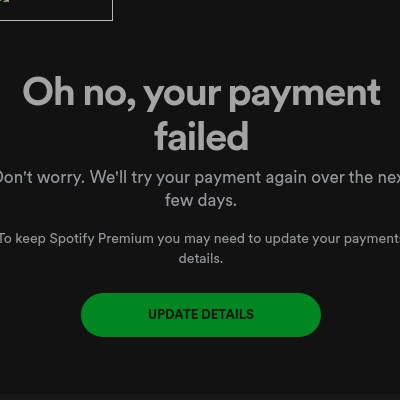
Phishing and attack attempts that send files which look legitimate - but hide malicious code inside.
Attackers use SVG files as attachments to an email message that looks completely innocent, where the attached file supposedly contains a login form for an online system, a work order or a price quote. In practice, the file may lead to a page that impersonates a real website (such as Gmail or Microsoft) and steal your login credentials. Sometimes the file even runs a script that redirects you to a dangerous website, or downloads suspicious software in the background - without you noticing.
Why does this happen specifically with SVG?
As noted, SVG files look to the user like a perfectly ordinary image, but in practice they are files containing computer code that tells the browser, or the software displaying the file, what to do. Ordinary email-filtering software does not always recognize the dangerous potential, and the user - who received an "image" - may open it innocently, endangering not only the computer but also the entire network and the other users on the same domain.
 How do we protect ourselves?

1. Always be suspicious of attachments: Were you not expecting to receive an SVG file (or any other file, for that matter)? Do not open it! Even if the sender's name is familiar, and even if the subject of the message is about something relevant to you - it is better to check with the sender by phone.
2. Pay attention to email addresses: Such files will usually arrive from an address that looks strange or disguised, sometimes with slight spelling errors, or sometimes with a familiar sender name (for example "Kvish 6" (Highway 6), but with a throwaway email address such as [email protected]).
3. Do not click links automatically: Even if you recognize a familiar logo, make sure you are really on the right website (for example, that its address starts with https and contains the real domain).
4. Install protections: Make sure you work with a well-known, up-to-date (and not free) antivirus, and with an email system that can block problematic files.
In summary - the most important thing is to use judgment.
Just as you would not open the door to anyone who rings the bell, do not open every file that reaches you - even if it looks "innocent". If there is any doubt - it is always better to check.


Not sure your inbox is protected?
If suspicious attachments reach your users, it is worth a short call. We will check which protections are in place, what your email system blocks today and what needs attention - no strings attached. You can also read about our cyber security service.