Your ISP's Router or a Managed Firewall? Equipment Alone Is Not Enough
Let's say you did everything right. You bought an expensive line from your internet provider, and on top of it security equipment from a well-known brand - the kind that appears in every comparison. You paid, it was installed, and it works.
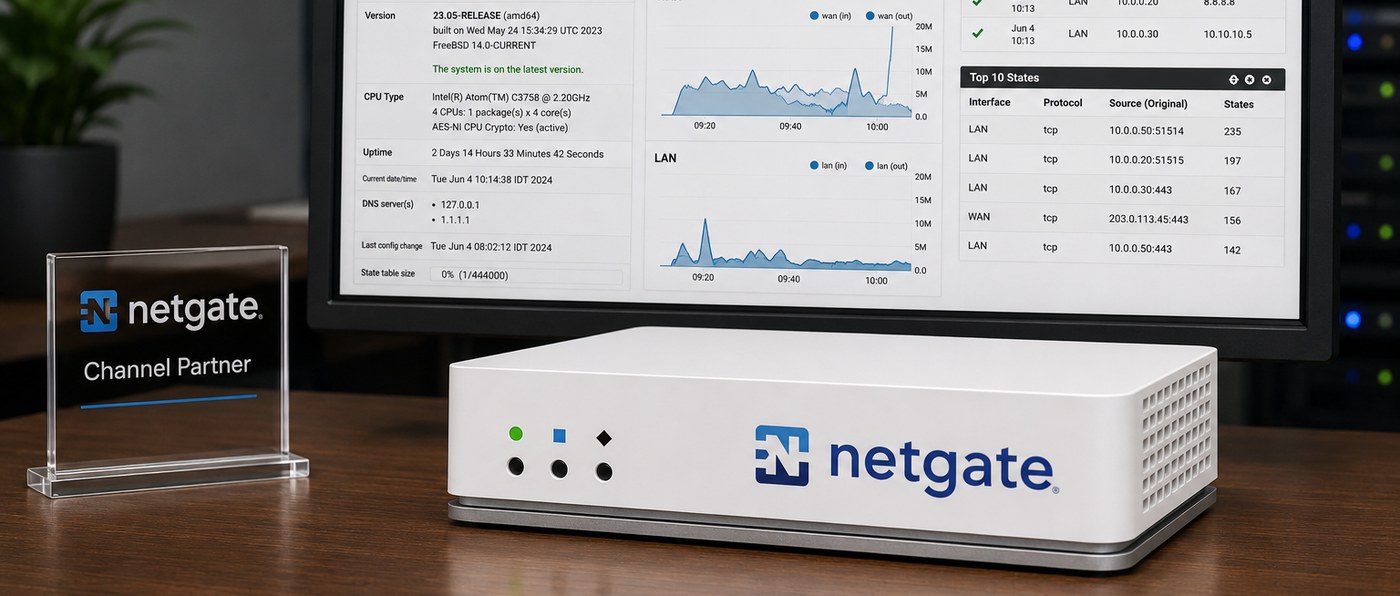
Now, three questions. When was the last time someone checked that the security tools inside it are up to date? That they are even turned on? And that they are configured for how your business works today, and not for how it worked on installation day?
In most businesses we walk into, the answer to all three is the same: no one checked. And that is exactly as true for the box the internet provider left behind as it is for the expensive, carefully chosen equipment.
And for anyone who arrived here with exactly this question: the ISP's router exists first and foremost to connect the business to the internet. A business firewall adds network segmentation, VPN connections, a backup line, access rules, logging and monitoring. But even the best firewall in the world will not protect the business if it was configured once and no one has checked it since. That is the difference between installed equipment and managed equipment, and that is what this article is about.
Good equipment does not protect itself
A firewall is not a device you buy and switch on. It is a system configured around what the business does, and updated as the business changes. The configuration was done once, on installation day, based on what was right back then.
Meanwhile, the business grew. Systems were added, cameras, employees connecting from home, maybe a second branch. Employees came and went, and their permissions stayed. No one went back to update the rules, because it was no one's job.
There is also a quieter side: capabilities included in the equipment or the license that were never enabled. If you have not checked, chances are you are paying for something that is not running.
Five things that stay open, even with good equipment
1. Everything sits on the same network
When the computers, cameras, printers, phones and Wi-Fi network are all on one network, many devices can talk to each other directly, without the traffic passing through the firewall. In that situation the firewall simply does not see what happens between the devices, so it cannot control it either.
Why it matters: cameras, time-attendance clocks, printers and other smart equipment do not always get the same attention and the same security updates the computers get. That can make them a relatively easy entry point. A fault or a breach in one of them can open an attempt to move from there toward more sensitive systems.
2. No safe way to work from outside
An employee who needs files from home, or a branch that needs to reach the server at the main office. When there is no orderly solution, improvised ones appear: remote-control software installed with no central management and no multi-factor authentication, a folder opened to the internet, or a shared password passed around on WhatsApp.
The tools themselves are legitimate, and we use them every day. The difference is between a tool that is managed, with per-user permissions, multi-factor authentication and logging, and a one-time installation no one remembers anymore, where the access of employees who already left is still open.
3. When the internet goes down, the business stops
The cloud systems are unreachable, the phones do not ring, and no one knows how long it will take. You can keep a backup line that takes over on its own within seconds, and most businesses simply do not know this option is available.
4. The logs are written, and no one reads them
Good equipment actually records a lot. The problem starts afterwards: the logs are usually kept on the device itself and roll over after a limited period. If they are not shipped to a central system that collects, retains and analyzes them, and if no one is set up to receive an alert when something is out of line, an important event can vanish before anyone even noticed it.
It is the difference between "I think someone tried to get in" and an answer with a date, a time and a source - even two months back. The moment you hold customer data, this is no longer a technical question.
5. No one updates it
Every piece of network equipment is really software running inside a box, and software has to receive security fixes on an ongoing basis. It is very much worth checking one thing: when did the device sitting at your office last receive an update? If the answer is "a few years ago", or "there is no way to know", that is exactly the wrong answer. And it is worth checking this for expensive equipment too, not only for the ISP's basic modem.
The real problem is not the equipment
The equipment you bought is probably good, and in some cases even stronger than what you need. This rule does not depend on the brand - it holds for every firewall, including Netgate equipment with pfSense Plus that we ourselves install. Even a box that left our own hands does not maintain itself. Whoever is on a retainer service gets that part - someone who updates, checks that the rules still fit the business, and gets alerted when something is out of line. Whoever bought equipment only, does not. Without that part, even the best equipment will look in two years exactly like it does today, for one reason: no one has it as their job.
Most businesses we walk into do not suffer from bad equipment. They suffer from the fact that everything was configured once, by someone who is no longer there, and since then there is no one who checks, tunes and updates. New equipment without someone managing it is the same story, just with a newer box.
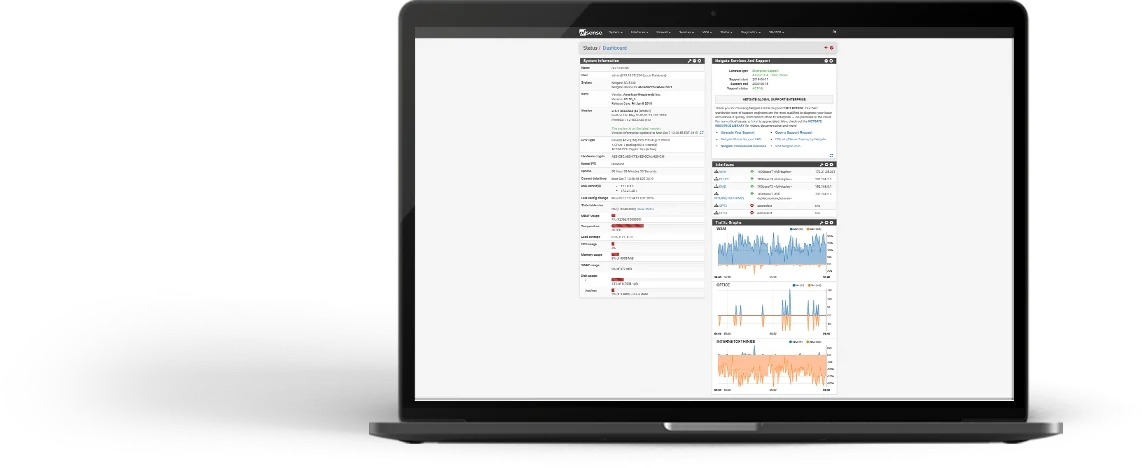
What it looks like when someone actually owns this
- The network is monitored and checked. We know the line dropped or something is off before you pick up the phone.
- The updates get done. On a regular, scheduled basis, without you having to remember.
- There is a current picture of the network. What is connected, which rules are actually active, and what has changed since last time.
- There is someone to talk to. A team that knows your network, not someone seeing it for the first time when damage is already being done.
- The check happens even when everything is fine. That is the difference between ongoing maintenance and firefighting.
And what if we have three computers
A business with three computers, no additional branch and no employees connecting from outside, usually does not need to replace equipment. That is also the answer you will get in such a case, with no attempt to sell you a box that would change nothing for you.
But what decides here is not the size of the business - it is whose data sits with you. A law office with three computers holds its clients' case files. An accountant holds their clients' books. A small clinic holds patients' medical records. An insurance agency holds scans of ID cards. In each of these cases the data is not yours - it belongs to your clients, it is worth far more than the computers it sits on, and whoever is after it does not count how many employees you have.
There is a legal side too. The duty to protect personal data already exists in the Privacy Protection Law and the Data Security Regulations. Amendment 13 to Israel's Privacy Protection Law, in effect since August 2025, significantly expanded supervision and enforcement powers and the monetary sanctions. The scope of the requirements varies by database type and risk level, but the responsibility does not disappear just because the business is small.
What such an office does need is exactly the same things, at a smaller scale: separating the Wi-Fi network from the computer that holds the case files, making sure the device at the edge still receives updates, setting up encrypted per-user remote access instead of an improvised solution, and making sure someone will notice if logins start arriving from unexpected directions. Even a three-person office needs someone who checks, tunes and updates. We wrote about this at length in the article on a security gateway for a small branch, including where its power ends.
Three checks you can do today, on your own
- Do guests and employees connect to the same Wi-Fi network. When a supplier, a customer or a technician visiting the office gets the same network name and the same password the employees use, there is no separation between the people who work for you and the people who only visited. You can answer this without opening any management screen.
- How employees connect from home. If there is no encrypted connection defined per user, and what exists is remote-control software or a folder opened to the outside, that is the gap.
- Who is responsible for updating the equipment, and when it was last done. This one also requires no logins - just ask whoever installed it. If there is no one to ask, if no one in the business knows who even holds the device's access credentials, or if the answer is "we have not touched it since installation", that is already the answer.
Frequently asked questions
Is the ISP's router enough for a business?
For a very small business, with no additional branch and no remote workers, usually yes. The moment there is sensitive data, access from outside, or more than one type of equipment on the network, it lacks network segmentation, defined VPN connections, access rules and logging.
What is the difference between a firewall and a managed firewall?
A firewall is the equipment. A managed firewall is the equipment plus someone responsible for it: keeping it updated, checking that the rules still fit the business, and getting alerted when something is out of line. The difference usually shows up after two years.
How often does a firewall need to be updated?
There is no fixed date. Some vendors release versions on a planned cycle, and others publish a security update whenever a flaw is discovered. What does need to be fixed is your side: someone who follows the vendor's advisories for the model you have, evaluates each update on its merits, and installs the critical ones quickly and the rest in a coordinated window that does not stop your workday.
Does a small office also need network segmentation?
If it holds customer data, and equipment that no one is sure was recently updated is connected to it - cameras, printers, a time-attendance clock - segmentation is the cheapest and most meaningful step you can take. It does not depend on the number of employees.



Want us to check your firewall and network?
If any of these three checks left you without a clear answer, it is worth a twenty-minute call. We will check what is installed, what is active, what needs attention and what does not need replacing - no strings attached. You can also read about our managed IT service.